Spacer
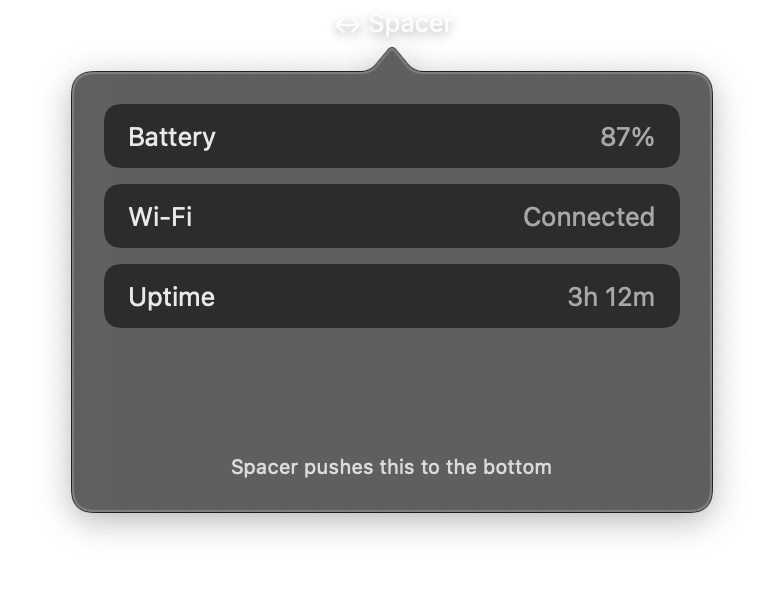
A flexible space that expands to fill available room within a stack layout. Spacer is a layout primitive that takes up as much space as available in its parent HStack or VStack.
In an HStack, Spacer expands horizontally. In a VStack, it expands vertically. When multiple spacers are present, they divide the available space equally. This makes Spacer essential for creating flexible layouts where elements need to be pushed apart or distributed evenly.
Constructor
nib.Spacer(
    min_length=None,
    **modifiers,
)
Parameters
| Parameter | Type | Default | Description |
|---|---|---|---|
min_length |
float |
None |
Minimum length in points that the spacer must occupy, even when space is limited. Useful for ensuring minimum gaps between elements. |
**modifiers |
Common view modifiers. While spacers typically do not need visual styling, frame constraints can still be applied. |
Examples
Push content to edges
Use a Spacer to push elements to opposite sides of a horizontal stack.
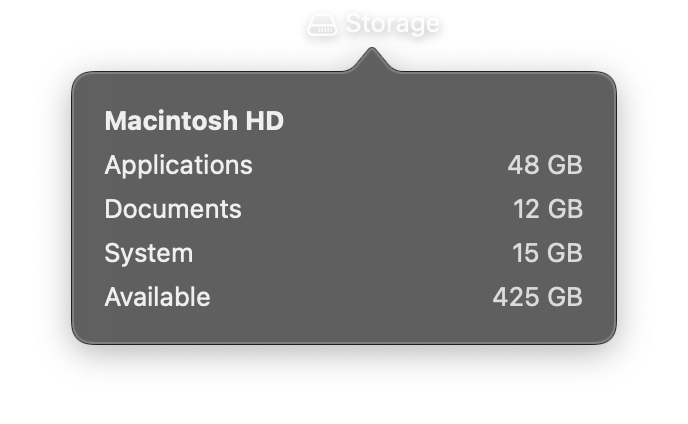
import nib


def main(app: nib.App):
    app.title = "Storage"
    app.icon = nib.SFSymbol("internaldrive")
    app.height = 200

    def row(label, value):
        return nib.HStack(
            controls=[
                nib.Text(label),
                nib.Spacer(),
                nib.Text(value, foreground_color=nib.Color.SECONDARY),
            ]
        )

    app.build(
        nib.VStack(
            controls=[
                nib.Text("Macintosh HD", font=nib.Font.HEADLINE),
                row("Applications", "48 GB"),
                row("Documents", "12 GB"),
                row("System", "15 GB"),
                row("Available", "425 GB"),
            ],
            spacing=6,
            padding=16,
            width=240,
            alignment=nib.Alignment.LEADING,
        )
    )


nib.run(main)
Centered title toolbar
Two spacers create equal space on both sides of the title, centering it while pushing the buttons to the edges.
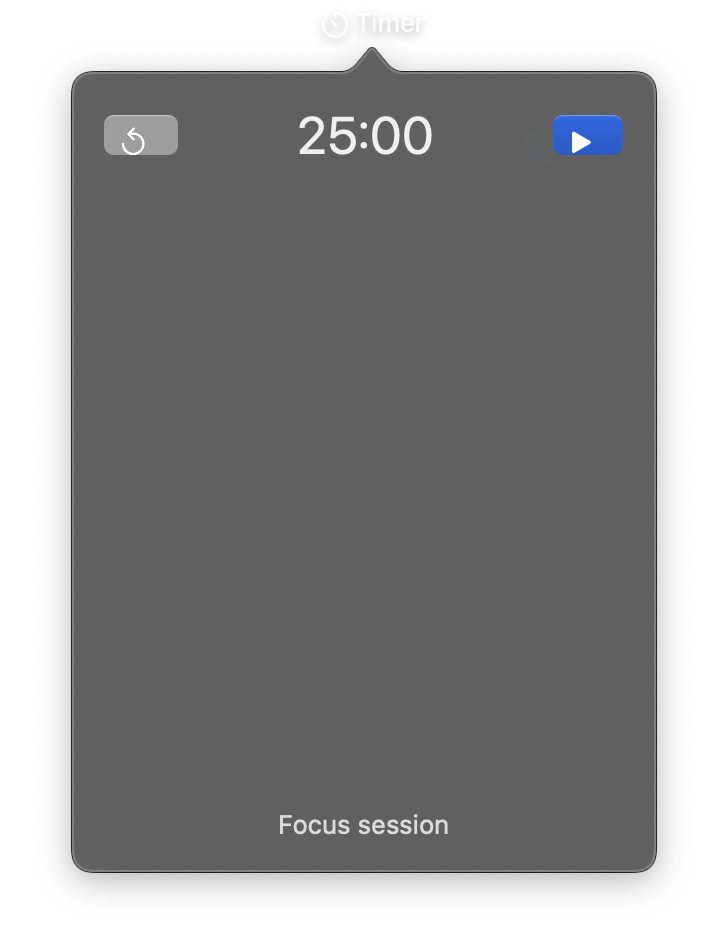
import nib


def main(app: nib.App):
    app.title = "Timer"
    app.icon = nib.SFSymbol("timer")
    app.width = 300

    app.build(
        nib.VStack(
            controls=[
                nib.HStack(
                    controls=[
                        nib.Button(icon="arrow.counterclockwise", action=lambda: None),
                        nib.Spacer(),
                        nib.Text("25:00", font=nib.Font.LARGE_TITLE),
                        nib.Spacer(),
                        nib.Button(
                            icon="play.fill",
                            action=lambda: None,
                            style=nib.ButtonStyle.BORDERED_PROMINENT,
                        ),
                    ]
                ),
                nib.Spacer(min_length=12),
                nib.Text("Focus session", foreground_color=nib.Color.SECONDARY),
            ],
            padding=16,
            width=260,
        )
    )


nib.run(main)