Image
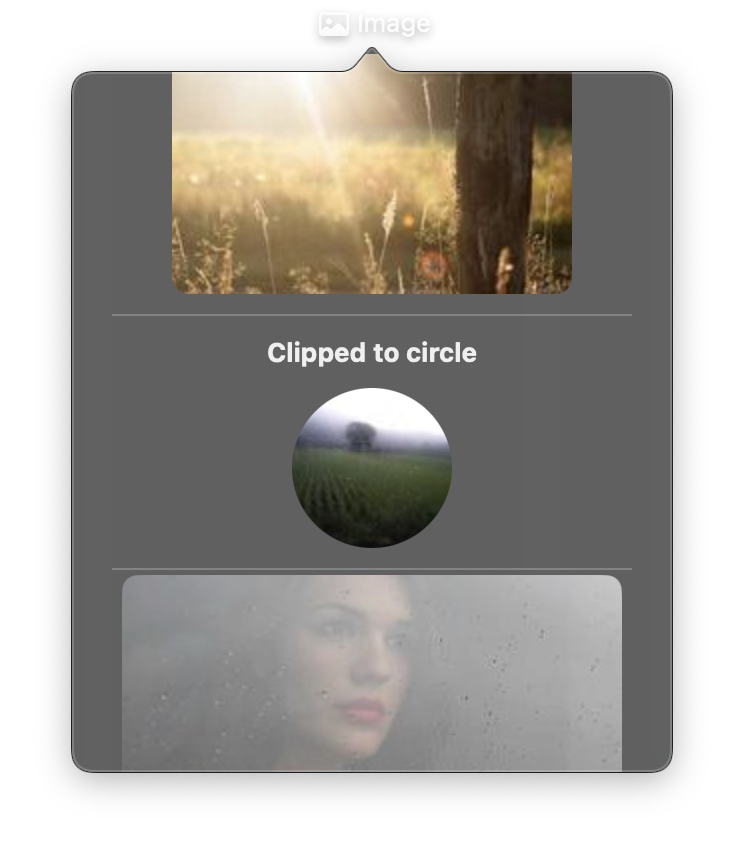
A view that displays an image from various sources: remote URLs, local file paths, project asset references, or raw bytes. The src property is reactive. Changing it triggers an immediate UI update with the new image.
Constructor
nib.Image(
    src=None,
    label=None,
    aspect_ratio=None,
    antialiased=True,
    blur=None,
    **modifiers,
)
Parameters
| Parameter | Type | Default | Description |
|---|---|---|---|
src |
str | bytes |
None |
Image source. Supports remote URLs ("https://..."), absolute file paths ("/path/to/image.png"), asset references ("logo.png" resolves to assets/logo.png), or raw bytes containing image data. |
label |
str |
None |
Accessibility label describing the image content. Important for VoiceOver and assistive technologies. |
aspect_ratio |
ContentMode | str |
None |
How to scale the image within its frame. Options: ContentMode.FIT (fit within bounds, may letterbox), ContentMode.FILL (fill bounds, may crop). |
antialiased |
bool |
True |
Whether to apply antialiasing for smoother edges. Set to False for pixel-art or sharp edges. |
blur |
float |
None |
Blur radius to apply to the image. Higher values create a stronger blur effect. |
**modifiers |
Common view modifiers: width, height, corner_radius, clip_shape, opacity, shadow_color, shadow_radius, padding, etc. |
Mutable Properties
| Property | Type | Description |
|---|---|---|
src |
str | bytes |
Get or set the image source. Setting triggers a UI update. |
label |
str |
Get or set the accessibility label. Setting triggers a UI update. |
Examples
Remote image with aspect ratio
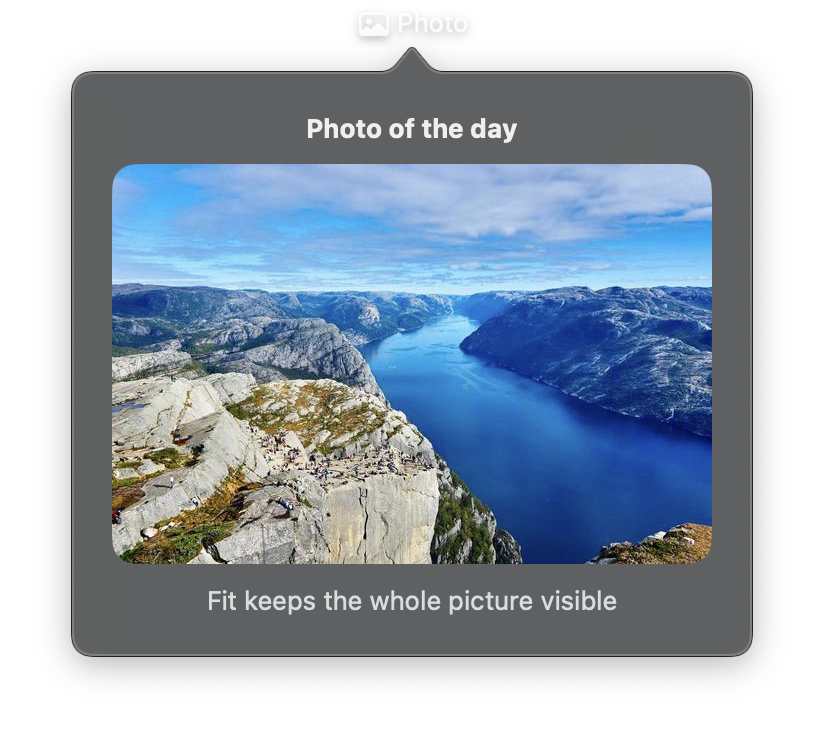
import nib


def main(app: nib.App):
    app.title = "Photo"
    app.icon = nib.SFSymbol("photo")
    app.width = 340

    app.build(
        nib.VStack(
            controls=[
                nib.Text("Photo of the day", font=nib.Font.HEADLINE),
                nib.Image(
                    src="https://picsum.photos/id/1015/600/400",
                    label="Mountain lake",
                    aspect_ratio=nib.ContentMode.FIT,
                    width=300,
                    height=200,
                    corner_radius=12,
                ),
                nib.Text(
                    "Fit keeps the whole picture visible",
                    foreground_color=nib.Color.SECONDARY,
                ),
            ],
            spacing=10,
            padding=20,
        )
    )


nib.run(main)
Circular avatar from asset
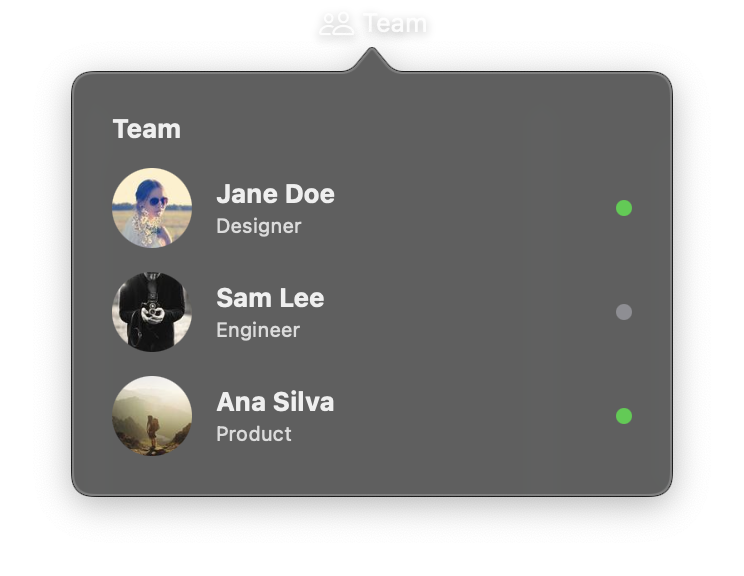
import nib


def main(app: nib.App):
    app.title = "Team"
    app.icon = nib.SFSymbol("person.2")
    app.width = 300
    app.height = 260

    def member(photo, name, role, online):
        return nib.HStack(
            controls=[
                nib.Image(
                    src=f"https://picsum.photos/id/{photo}/96/96",
                    aspect_ratio=nib.ContentMode.FILL,
                    clip_shape=nib.Circle(),
                    width=40,
                    height=40,
                ),
                nib.VStack(
                    controls=[
                        nib.Text(name, font=nib.Font.HEADLINE),
                        nib.Text(
                            role,
                            font=nib.Font.CAPTION,
                            foreground_color=nib.Color.SECONDARY,
                        ),
                    ],
                    spacing=2,
                    alignment=nib.Alignment.LEADING,
                ),
                nib.Spacer(),
                nib.Circle(
                    fill=nib.Color.GREEN if online else nib.Color.GRAY,
                    width=8,
                    height=8,
                ),
            ],
            spacing=12,
        )

    app.build(
        nib.VStack(
            controls=[
                nib.Text("Team", font=nib.Font.HEADLINE),
                member(64, "Jane Doe", "Designer", True),
                member(91, "Sam Lee", "Engineer", False),
                member(177, "Ana Silva", "Product", True),
            ],
            spacing=12,
            padding=20,
            width=260,
            alignment=nib.Alignment.LEADING,
        )
    )


nib.run(main)
Related
- Assets and Fonts
- Image Enums
- SFSymbol
- Video
- Image & Text:
nib.draw.Image