Video
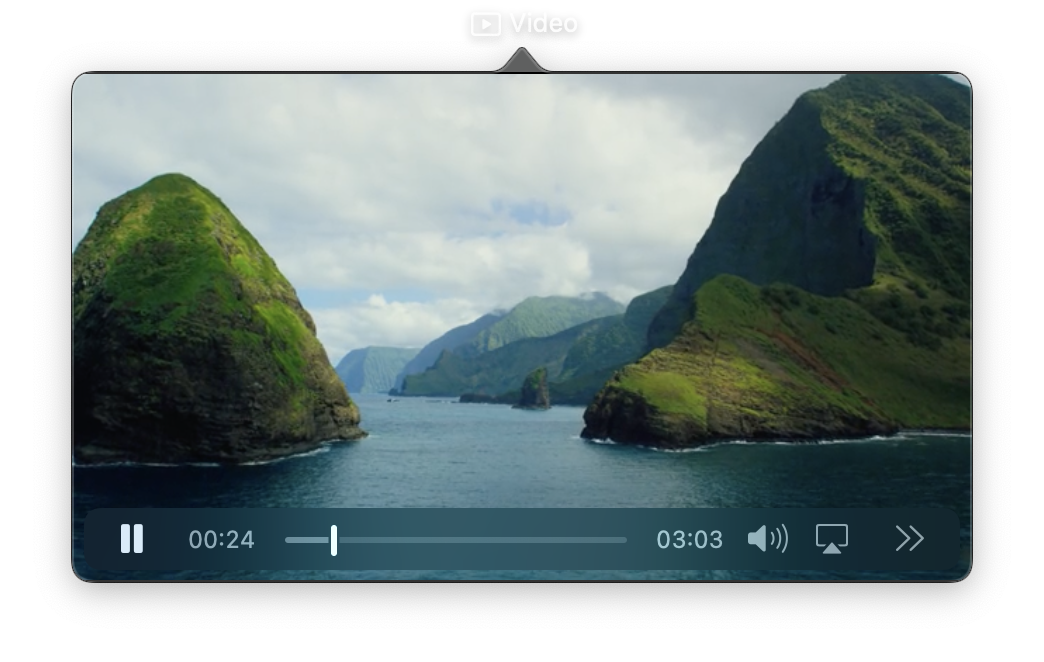
A view that displays and plays video content from URLs or local files. Video supports autoplay, looping, audio muting, playback controls, and various scaling modes. All playback properties are reactive.
Constructor
nib.Video(
    src=None,
    autoplay=False,
    loop=False,
    muted=False,
    show_controls=True,
    gravity=None,
    **modifiers,
)
Parameters
| Parameter | Type | Default | Description |
|---|---|---|---|
src |
str |
None |
Video source. Supports remote URLs ("https://..."), absolute file paths ("/path/to/video.mp4"), or asset references ("intro.mp4" resolves to assets/intro.mp4). |
autoplay |
bool |
False |
Whether to start playing automatically when the video loads. |
loop |
bool |
False |
Whether to restart playback automatically when the video ends. |
muted |
bool |
False |
Whether to mute the audio track. |
show_controls |
bool |
True |
Show playback controls (play/pause, scrubber, volume). controls= is a deprecated alias. |
gravity |
VideoGravity | str |
None |
How the video scales within its frame. Options: VideoGravity.RESIZE_ASPECT (fit, may letterbox: default), VideoGravity.RESIZE_ASPECT_FILL (fill, may crop), VideoGravity.RESIZE (stretch to fill, distorts). |
**modifiers |
Common view modifiers: width, height, corner_radius, opacity, padding, etc. |
Mutable Properties
| Property | Type | Description |
|---|---|---|
src |
str |
Get or set the video source. Setting triggers a UI update and may reset playback position. |
autoplay |
bool |
Get or set autoplay. |
loop |
bool |
Get or set looping. |
muted |
bool |
Get or set muted state. |
controls |
bool |
Get or set controls visibility. |
Methods
| Method | Description |
|---|---|
play() |
Start or resume playback. |
pause() |
Pause playback. |
seek(time) |
Seek to time in seconds. |
stop() |
Stop and reset to the beginning. |
Examples
Basic video player
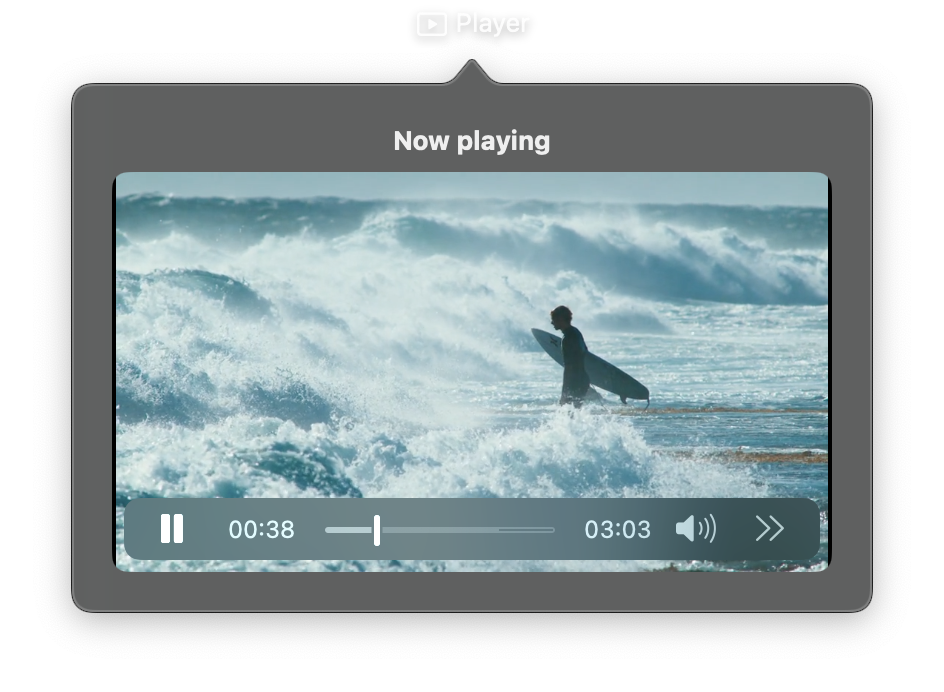
import nib


def main(app: nib.App):
    app.title = "Player"
    app.icon = nib.SFSymbol("play.rectangle")
    app.width = 400
    app.height = 270

    app.build(
        nib.VStack(
            controls=[
                nib.Text("Now playing", font=nib.Font.HEADLINE),
                nib.Video(
                    src="https://stream.mux.com/lyrKpPcGfqyzeI00jZAfW6MvP6GNPrkML.m3u8",
                    show_controls=True,
                    width=360,
                    height=200,
                    corner_radius=8,
                ),
            ],
            spacing=8,
            padding=20,
        )
    )


nib.run(main)
Autoplay looping background
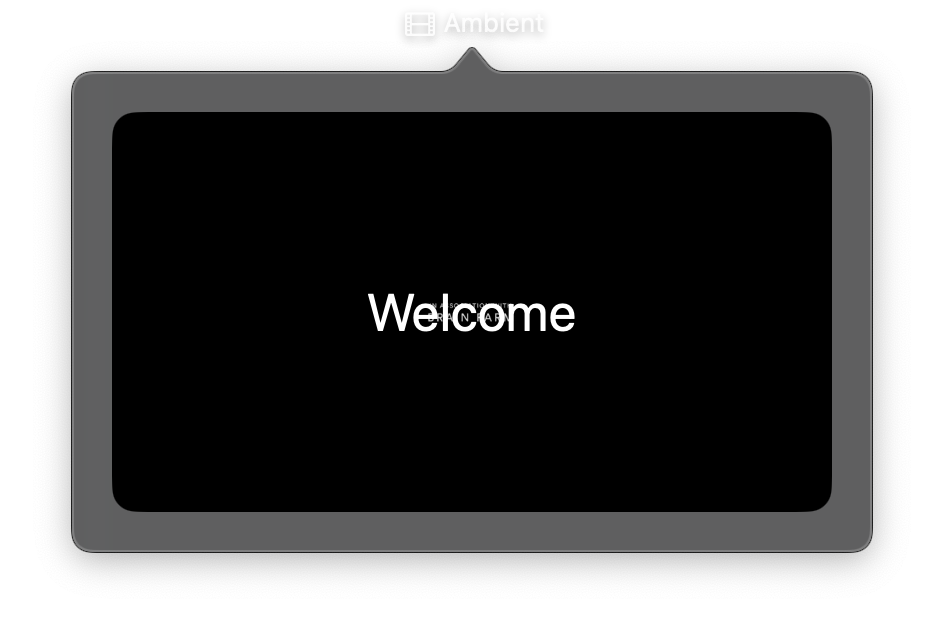
import nib


def main(app: nib.App):
    app.title = "Ambient"
    app.icon = nib.SFSymbol("film")
    app.width = 400
    app.height = 240

    app.build(
        nib.ZStack(
            controls=[
                nib.Video(
                    src="https://stream.mux.com/lyrKpPcGfqyzeI00jZAfW6MvP6GNPrkML.m3u8",
                    autoplay=True,
                    loop=True,
                    muted=True,
                    show_controls=False,
                    gravity=nib.VideoGravity.RESIZE_ASPECT_FILL,
                    width=360,
                    height=200,
                ),
                nib.Text(
                    "Welcome",
                    font=nib.Font.LARGE_TITLE,
                    foreground_color=nib.Color.WHITE,
                ),
            ],
            corner_radius=12,
            padding=20,
        )
    )


nib.run(main)