WebView
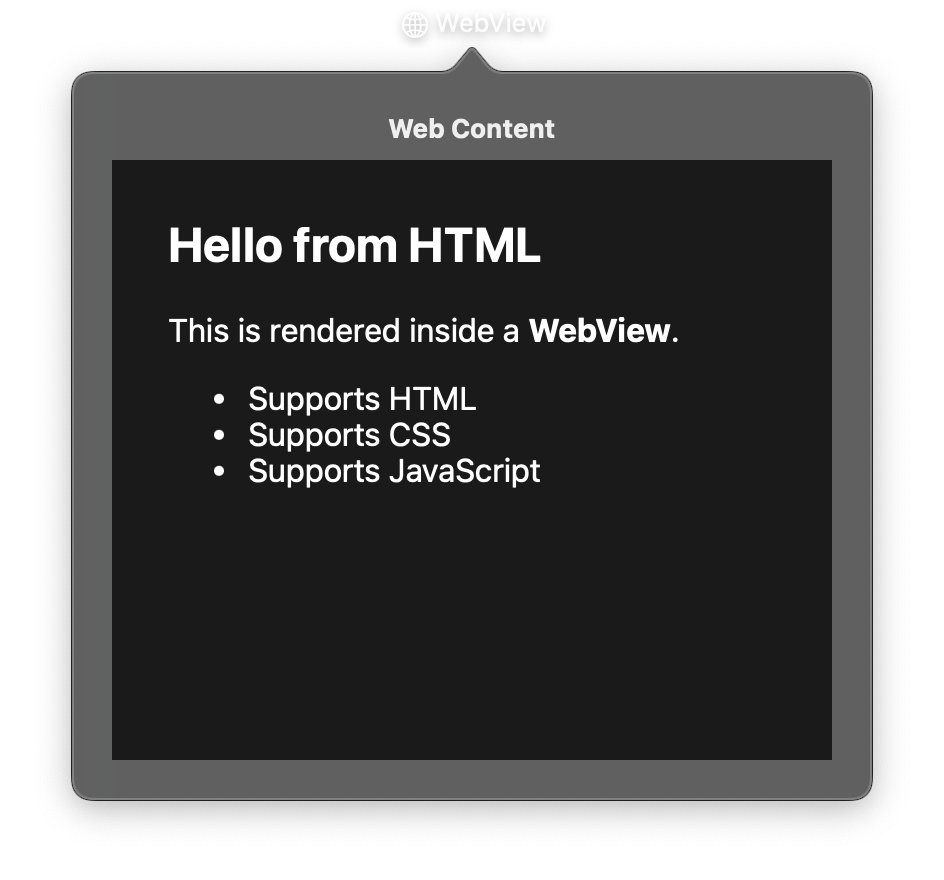
A view that embeds web content using WKWebView. WebView can load content from URLs or raw HTML strings. It supports navigation callbacks, JavaScript evaluation, and back/forward history.
Constructor
nib.WebView(
    url=None,
    html=None,
    base_url=None,
    on_load=None,
    on_navigate=None,
    on_error=None,
    allows_back_forward=True,
    allows_magnification=True,
    **modifiers,
)
Parameters
| Parameter | Type | Default | Description |
|---|---|---|---|
url |
str |
None |
URL to load. Mutually exclusive with html. |
html |
str |
None |
Raw HTML content to display. Mutually exclusive with url. |
base_url |
str |
None |
Base URL for resolving relative links in HTML content. |
on_load |
Callable[[], None] |
None |
Callback when the page finishes loading. |
on_navigate |
Callable[[str], None] |
None |
Callback when navigation occurs. Receives the new URL. |
on_error |
Callable[[str], None] |
None |
Callback when loading fails. Receives the error message. |
allows_back_forward |
bool |
True |
Whether back/forward navigation is enabled. |
allows_magnification |
bool |
True |
Whether pinch-to-zoom is enabled. |
**modifiers |
Common view modifiers: width, height, corner_radius, opacity, padding, etc. |
Mutable Properties
| Property | Type | Description |
|---|---|---|
url |
str |
Get or set the URL. Setting clears html and triggers navigation. |
html |
str |
Get or set the HTML content. Setting clears url and triggers a re-render. |
Methods
| Method | Description |
|---|---|
load_url(url) |
Load a new URL. |
load_html(html, base_url=None) |
Load HTML content with an optional base URL. |
reload() |
Reload the current page. |
go_back() |
Navigate back in history. |
go_forward() |
Navigate forward in history. |
stop() |
Stop the current page load. |
evaluate_js(script, callback=None) |
Execute JavaScript code in the web view. |
Examples
Load a URL
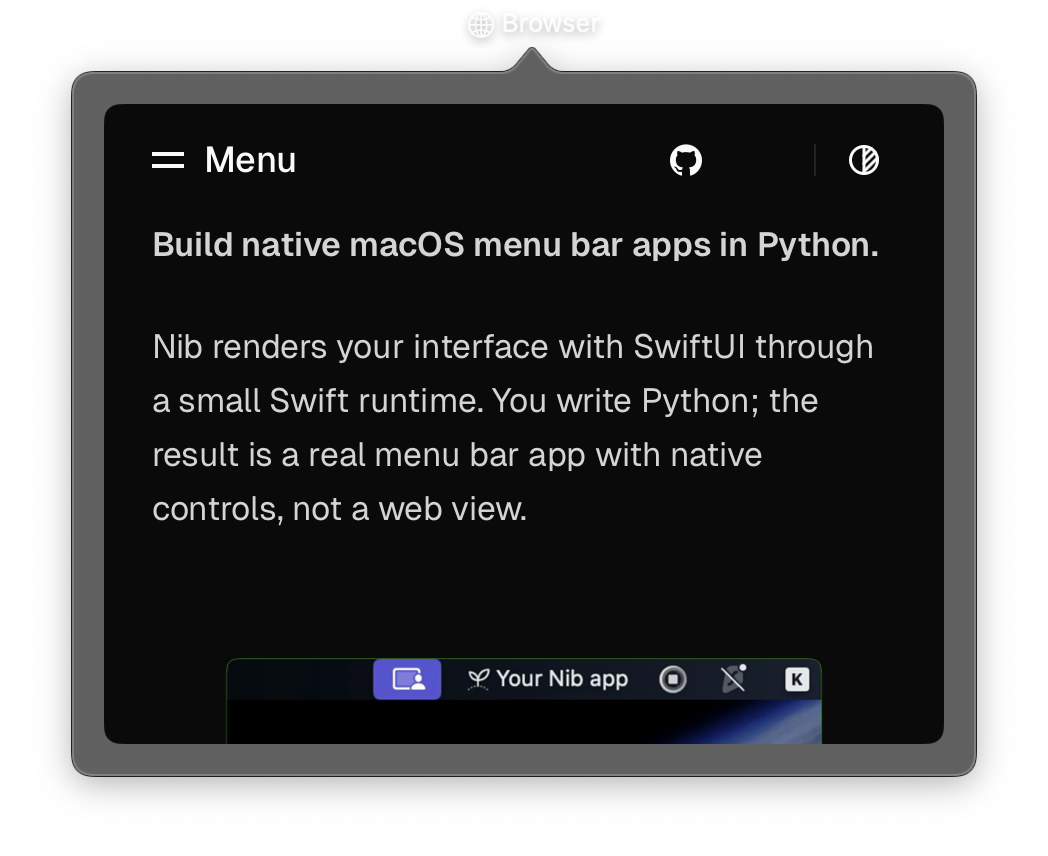
import nib


def main(app: nib.App):
    app.title = "Browser"
    app.icon = nib.SFSymbol("globe")
    app.width = 460
    app.height = 360

    app.build(
        nib.WebView(
            url="https://edo.codeberg.page/nib/",
            width=420,
            height=320,
            corner_radius=8,
            padding=16,
        )
    )


nib.run(main)
Display custom HTML
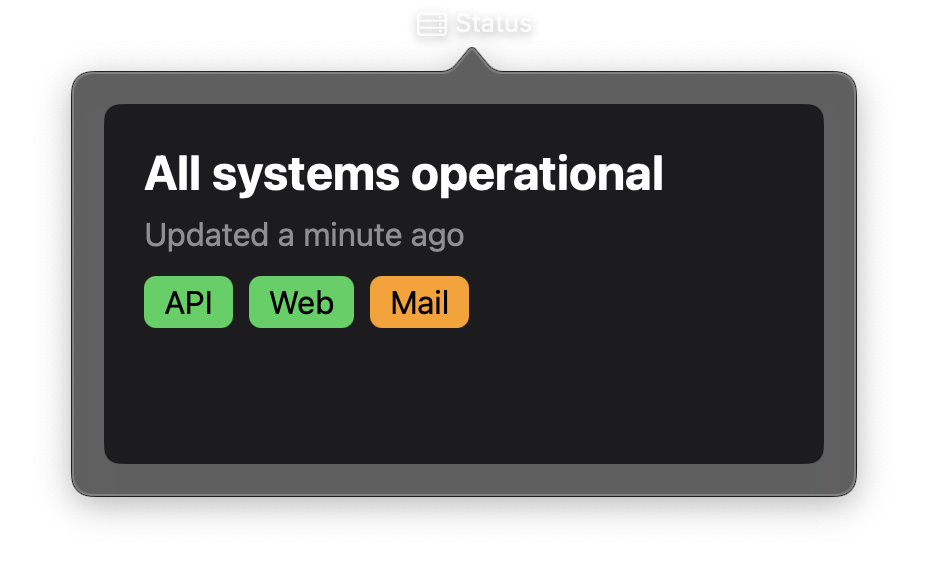
import nib


def main(app: nib.App):
    app.title = "Status"
    app.icon = nib.SFSymbol("server.rack")
    app.width = 400
    app.height = 220

    def badge(name, color):
        return (
            f'<span style="background:{color};color:#000;padding:4px 10px;'
            f'border-radius:6px;margin-right:8px">{name}</span>'
        )

    html = f"""
    <html><body style="margin:0;padding:20px;font-family:-apple-system;
                       background:#1c1c1e;color:#fff">
      <h2 style="margin:0 0 8px">All systems operational</h2>
      <p style="color:#8e8e93;margin:0 0 16px">Updated a minute ago</p>
      {badge("API", "#30d158")}{badge("Web", "#30d158")}{badge("Mail", "#ff9f0a")}
    </body></html>
    """

    app.build(
        nib.WebView(html=html, width=360, height=180, corner_radius=8, padding=16)
    )


nib.run(main)